Operator & Orchestration Layer

Robotics that field
professionals can
actually operate.

ArcForge is the operating layer for autonomous systems — drones, rovers, and small swarms. One platform to discover, model, rehearse, deploy, operate, replay, and improve real missions, without a robotics PhD.

"ROS is DOS. We're building Windows."
// the abstraction layer autonomy has been missing
7
Lifecycle verbs
~200
Verification gates
5
Compute targets
3
Live sim modes
The Problem

Autonomy is powerful. It is also brutally hard to operate.

The tooling that runs drones, rovers, and swarms was built for roboticists, not for the operators who actually need to put systems in the field. The capability exists. The usable layer on top of it does not.

// Today

Raw frameworks, fragile glue code, deep expertise required.

Stitching together flight stacks, simulators, ground control, and companion compute means months of integration work and specialized teams — before a single mission flies.

// With ArcForge

One coherent operating layer across the entire mission lifecycle.

A shared runtime and simulation substrate where vehicle definitions flow across every module. Discover a system, model it, rehearse it in sim, deploy to hardware, operate it, replay it, improve it.

The Lifecycle

Seven verbs. One continuous loop.

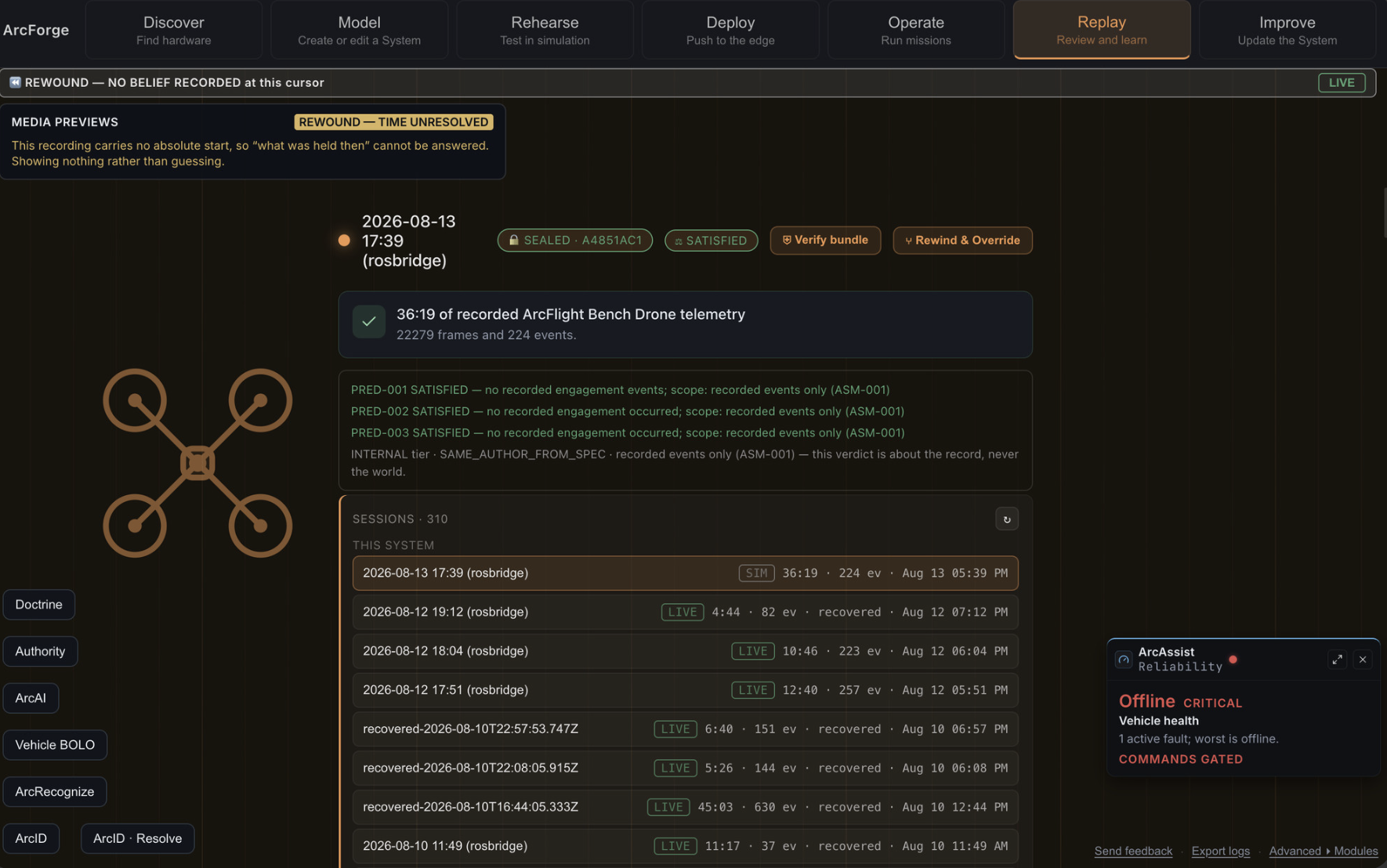
ArcForge is organized around the full operational lifecycle of an autonomous mission — each stage feeding the next.

01
Discover
Detect & identify hardware automatically
02
Model
Define vehicles & capabilities
03
Rehearse
Validate the mission in simulation
04
Deploy
Signed push to companion compute
05
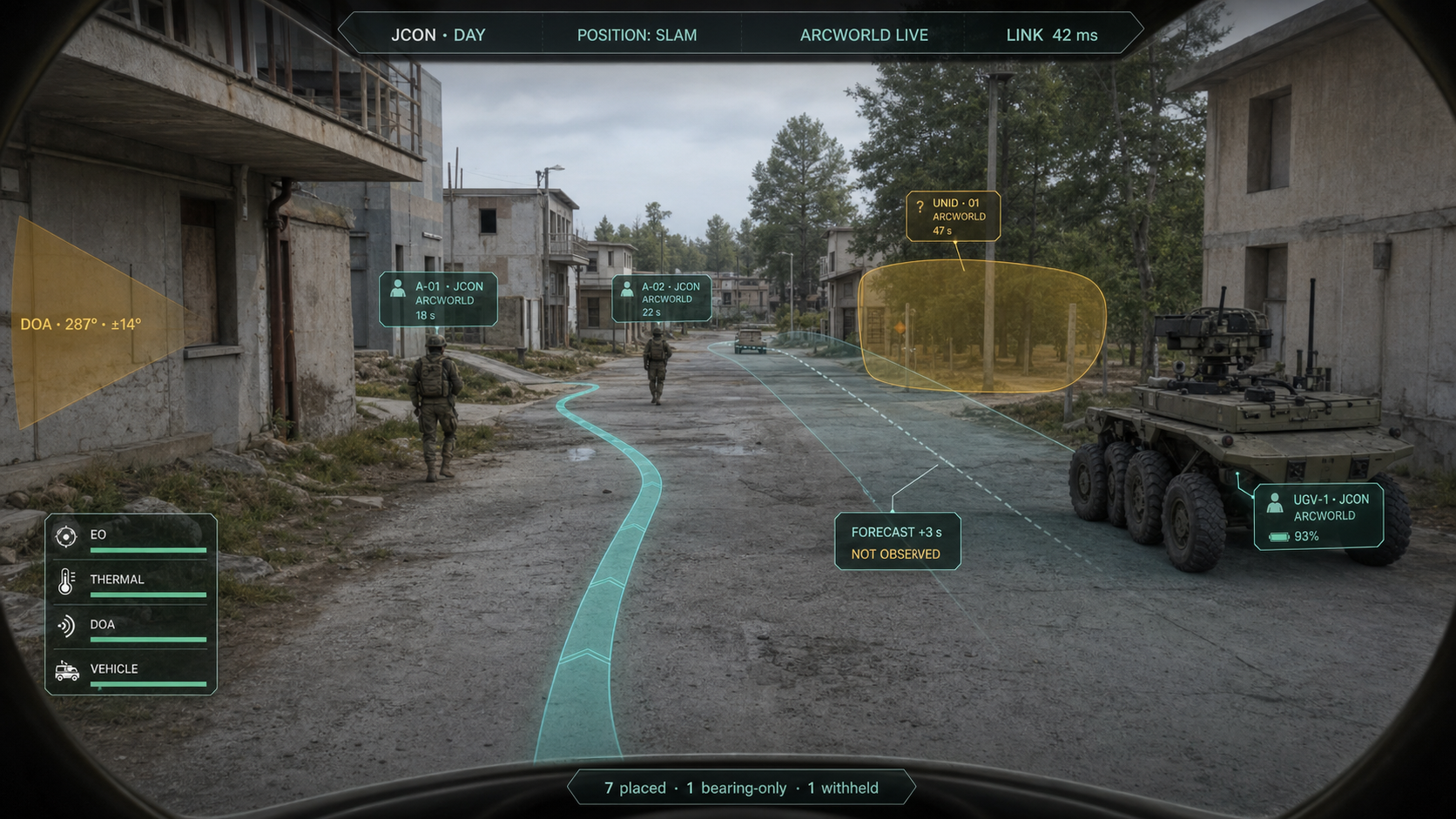
Operate
Fly, drive, command live
06
Replay
Telemetry capture & review
07
Improve
Feed lessons back into the loop
The Platform

Modules built on a shared runtime.

Each module solves a specific problem first, then promotes proven capability to the shared substrate — so the whole platform stays coherent as it grows.

// AIR

ArcFlight

Autonomous flight stack — waypoint missions, payload SDK, failsafe and geofence, with a bench-test hard gate before anything reaches hardware.

// GROUND

ArcGround

Ground vehicle control on the shared runtime — the same operating model extended from air to rovers and ground platforms.

// SIMULATION

ArcSim

The shared simulation substrate. Three live modes — air, ground, swarm — plus telemetry replay. Vehicle definitions defined once flow everywhere.

// SWARM

ArcSwarm

Coordinated multi-vehicle operations. Formation hold verified across multiple simulated vehicles, building toward real small-swarm missions.

// PLANNED — FLEET LAYER

ArcControl

A fleet-level enterprise operations center layer, unifying multiple systems and missions under one operational picture.

Proof, Not Promises

Verified milestones on real systems.

Engineering progress measured against gates, not slideware. A four-layer compliance subsystem and a hash-chained command ledger sit underneath every operation.

First fully autonomous waypoint mission verified on real ArduCopter SITL
SIM
First autonomous hardware flight logged — takeoff, hover, land, no RC input
HARDWARE
ArcSwarm formation hold verified across 3× SITL vehicles
SWARM
Signed deploy-to-Pi framework complete; encrypted, authenticated, tunnel-only transport
DEPLOY
Scenario matrix runner — 99 cells, 42/42 golden invariants passing
VERIFY
Companion-compute support across Pi5, Pi4, Jetson, NUC, and generic-linux
COMPUTE
ArcForge started from a simple frustration: why does putting a robot in the field still require a robotics PhD? The capability is here. The operating layer that makes it usable for real field professionals is what we're building.
Jason, Founder, ArcForge LLC · Medically retired Marine · Former Congressional defense staffer · PhD candidate, University of Maryland
Get the Software

Download the beta.

ArcForge v0.7.0-beta.1 — pick your platform and the installer downloads directly. Unsigned beta build, so your OS may warn on first launch.

⬇ Direct Downloads

One click — straight to the installer for your platform. No GitHub detour.

★ On GitHub

See every release, read release notes, follow development, and report issues.